
Moonka Digital Photo Frames Manufacturer

Moonka brings loved ones closer than ever by transforming ordinary photo displays into smart, interactive media hubs. Featuring crisp IPS touchscreens ranging from compact 7-inch desktop models to sweeping 21.5-inch wall mounts, these Wi-Fi-enabled frames allow families to instantly share photos and short videos from anywhere in the world using seamless smartphone integration. Packed with smart features like motion sensors, auto-rotation, generous internal storage, and integrated calendar widgets, Moonka effortlessly blends vibrant memory-sharing with modern functional utility for any home.

Top Moonka Digital Photo Frames

Moonka ZN-DP1002

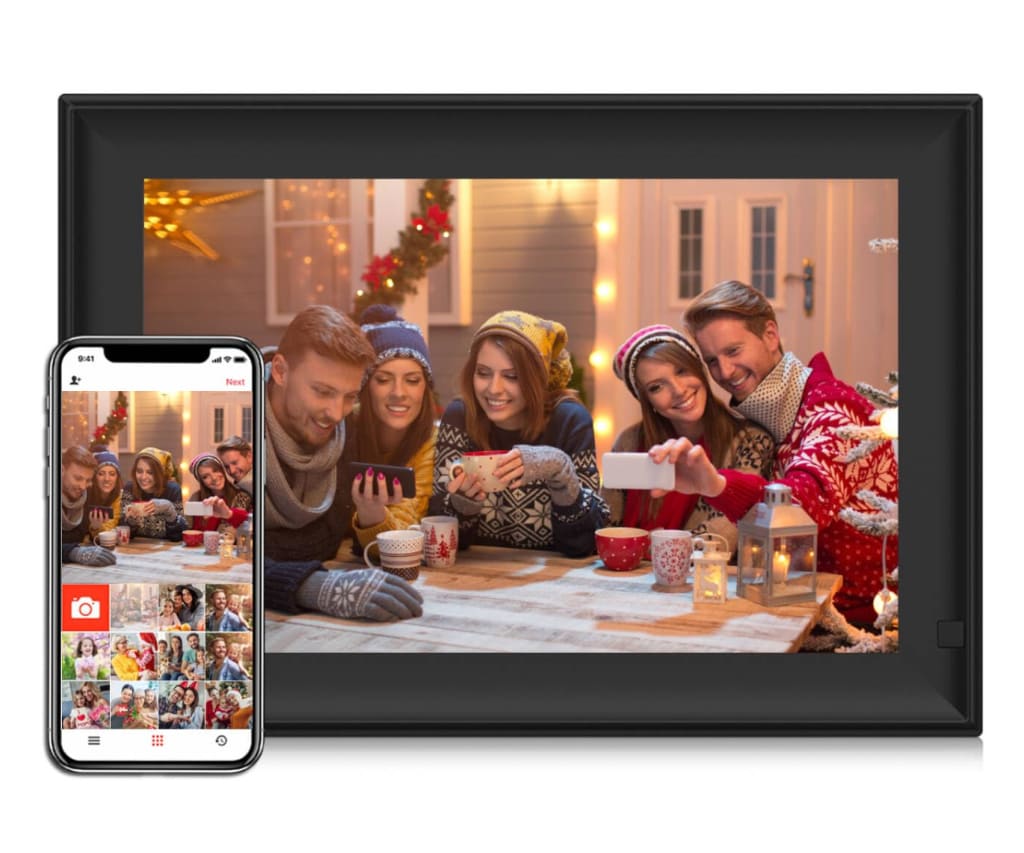
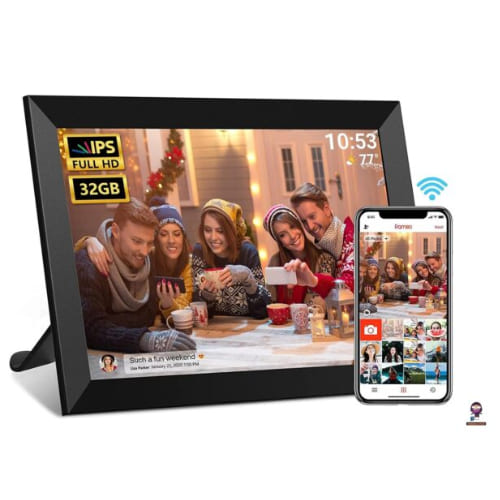
This best-selling 10.1-inch Wi-Fi digital photo frame features a crisp 1280×800 IPS touchscreen, 32 GB of internal storage, and built-in motion sensing for instant remote photo sharing via the Frameo app.

Moonka ZN-DP1101

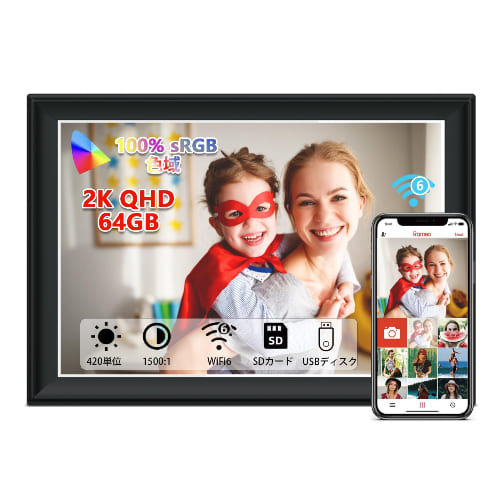
Equipped with a high-definition 1920×1280 Full HD display and 64 GB of built-in memory, this premium 11-inch frame delivers sharp image quality and auto-rotation capabilities for seamless photo and video playback.

Moonka ZN-DP7701

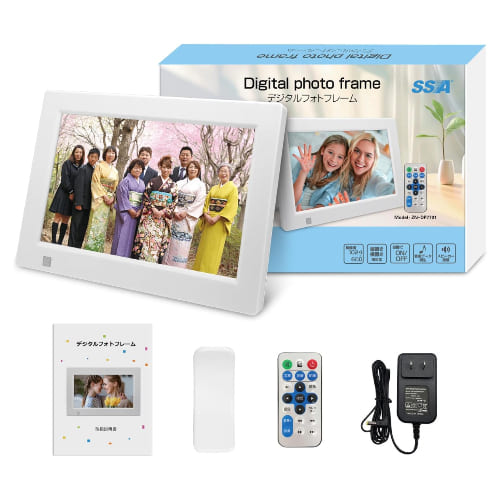
Designed as a simple and compact desktop display, this budget-friendly 7-inch frame plays photo slideshows and videos directly from SD cards or USB flash drives without needing an active Wi-Fi connection.

Moonka offers a versatile collection of display electronics tailored to enhance family connections, personal organization, and mobile productivity.
Main Product Categories

Wi-Fi Digital Photo Frames

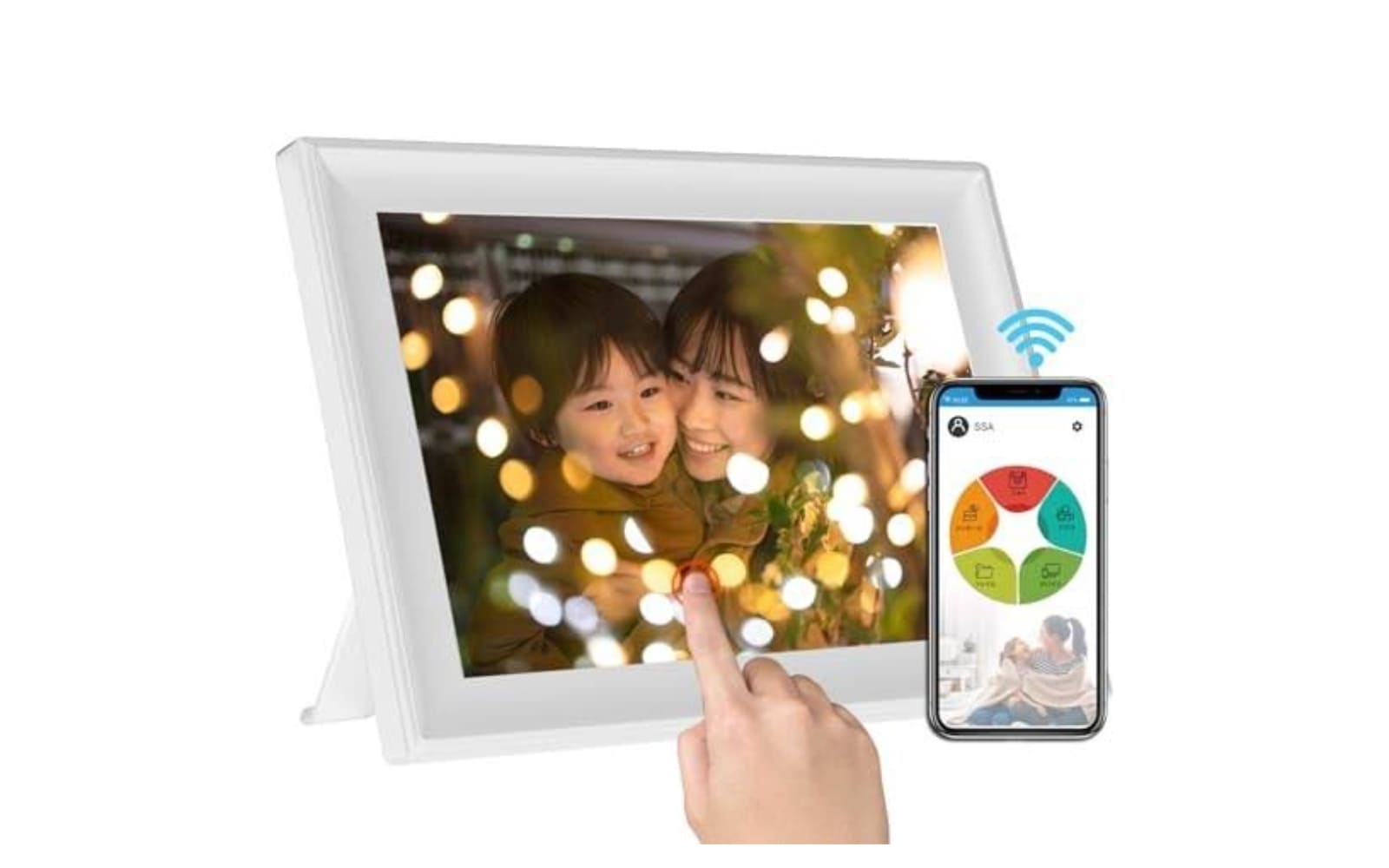
Their flagship lineup spans desktop models to expansive wall-mounted displays, allowing family members to share photos and short videos remotely using apps like Frameo or SSA.

Non-WiFi & Traditional Digital Frames

These budget-friendly, plug-and-play frames display media directly from SD cards or USB flash drives without requiring an active internet connection.

Smart Digital Calendars & Planners

Designed for central home organization, these wall- and desk-mounted touchscreens combine interactive family scheduling, chore lists, weather reports, and clock widgets.

Portable Monitors

These compact, high-resolution IPS displays connect via USB-C or HDMI to offer seamless dual-screen setups for laptops, mobile gaming, and remote workstations.

Customer Reviews

Sarah Jenkins

“I bought the 10.1-inch Wi-Fi frame as a gift for my mother, and it has been absolute magic. The setup took less than five minutes, and now all four of her children can send photos of her grandchildren directly to her living room from thousands of miles away. The HD screen picture quality is remarkably vibrant, and the motion sensor works perfectly so it automatically turns off when the room is dark at night.”

Marcus Vance

“As a remote freelance writer who travels often, adding the portable monitor to my backpack was a total game changer. Connecting it to my laptop with just a single USB-C cable gives me dual-screen productivity in coffee shops without needing an extra power brick. Text is super sharp, colors stay consistent at wide angles, and the lightweight casing adds virtually no bulk to my bag.”

David Miller

“We mounted the smart digital calendar near our kitchen entry to keep our family of five on track with school events, chores, and sports practices. The interactive touchscreen is extremely responsive, making it effortless for the kids to check off their tasks. Having our entire week’s schedule, local weather, and a digital photo slideshow displayed in one place has completely eliminated the morning chaos.”

Moonka FAQ

How do I transfer photos and videos to a Moonka Wi-Fi frame?

You can send photos and short video clips remotely using smartphone apps like Frameo or SSA WiFi Frame. Simply download the app, pair your smartphone to the frame using a unique code generated on the display, select your photos or videos, and send them directly over Wi-Fi. You can also import media locally using a MicroSD card or USB flash drive.

Are there any subscription fees required to use a Moonka frame?

No, Moonka frames do not require a mandatory monthly or annual subscription fee to use their core photo-sharing features. The free version of the Frameo app lets you and your family send photos and short video clips over Wi-Fi without paying anything extra.

Can multiple family members send photos to the same Moonka frame?

Yes, up to 20 or more users can connect their smartphones to a single frame. Each family member just needs to install the compatible app on their smartphone and enter the frame’s connection code to start sharing photos to the same display.

Do Moonka digital photo frames work without a Wi-Fi connection?

Yes, but with limited features. Wi-Fi is required to receive photos and videos remotely from smartphone apps. However, if Wi-Fi is unavailable, the frame can still display photo slideshows and play media directly from an inserted MicroSD card or USB drive.

How does the built-in motion sensor work?

Many modern Moonka frames feature an integrated human motion sensor. When enabled, the frame detects movement in the room and turns the screen on automatically. If no motion is detected for a set period, the frame enters an energy-saving sleep mode to conserve power.

Can Moonka frames be mounted on a wall?

Larger Moonka models (such as the 15.6-inch and 21.5-inch displays) feature built-in VESA mounting holes on the back for wall placement. Most desktop sizes (7-inch to 11-inch) are designed for table use using an included kickstand, though some mid-sized models also feature keyhole wall slots.

Moonka Digital Photo Frame FRAMEO